2026 is the year of Linux for me: ChatGPT out, AI agents in
A print job vanished with no error message and nothing to search for. One plain-language sentence to an AI agent with terminal access found the cause in minutes. Why I finally adopted Linux.
Post 1 of a series on the ordinary things I actually use AI for.
A couple of months ago I wrote about running local AI agents on hardware I own. That post was about infrastructure: a frontier model plans, a local model executes, credentials never leave the box. This one is about a printer and Linux, which I think just got a lot easier to live with.
I’ve finally decided to adopt Linux into my day to day workflow. Yes, 2026 is the year of Linux for me personally. I’ve avoided it for years, dabbled, installed and uninstalled. I’ve had some distro or another on a USB drive on my keychain just in case, but full adoption simply never happened.
Why? Well, even as a software engineer, perhaps especially as a software engineer, the maintenance cost of running Linux day to day was too high. The rise in AI has changed the game.
Before, I’d have to correct every issue myself, and a misconfiguration could mean hours or days to fix. I’d search online, being very specific about the issue, and see whether there were diagnostics that matched exactly what I was hitting. When there aren’t any, you have to know yourself to dig into the logs. All of that requires at minimum technical skills, and usually software debugging skills.
In 2026 none of that is necessary. Now I simply describe the issue in plain language and the AI acts as IT. The model digs into the underlying logs, diagnoses the thing in minutes, gets into the details, and makes it happen.
Take the printer. All I could tell it was that a job entered the queue, then vanished, and nothing came out. That description is worthless to a search engine and worthless to a chatbot. It was enough for an agent. Plain language is all a non-technical user has, and plain language is now enough.
The 2024 solution everyone gave you on how to use AI for troubleshooting tells you to paste your error message into a chatbot. Fine advice, right up until there is no error message.
There was no error message, so the copy-paste loop was useless
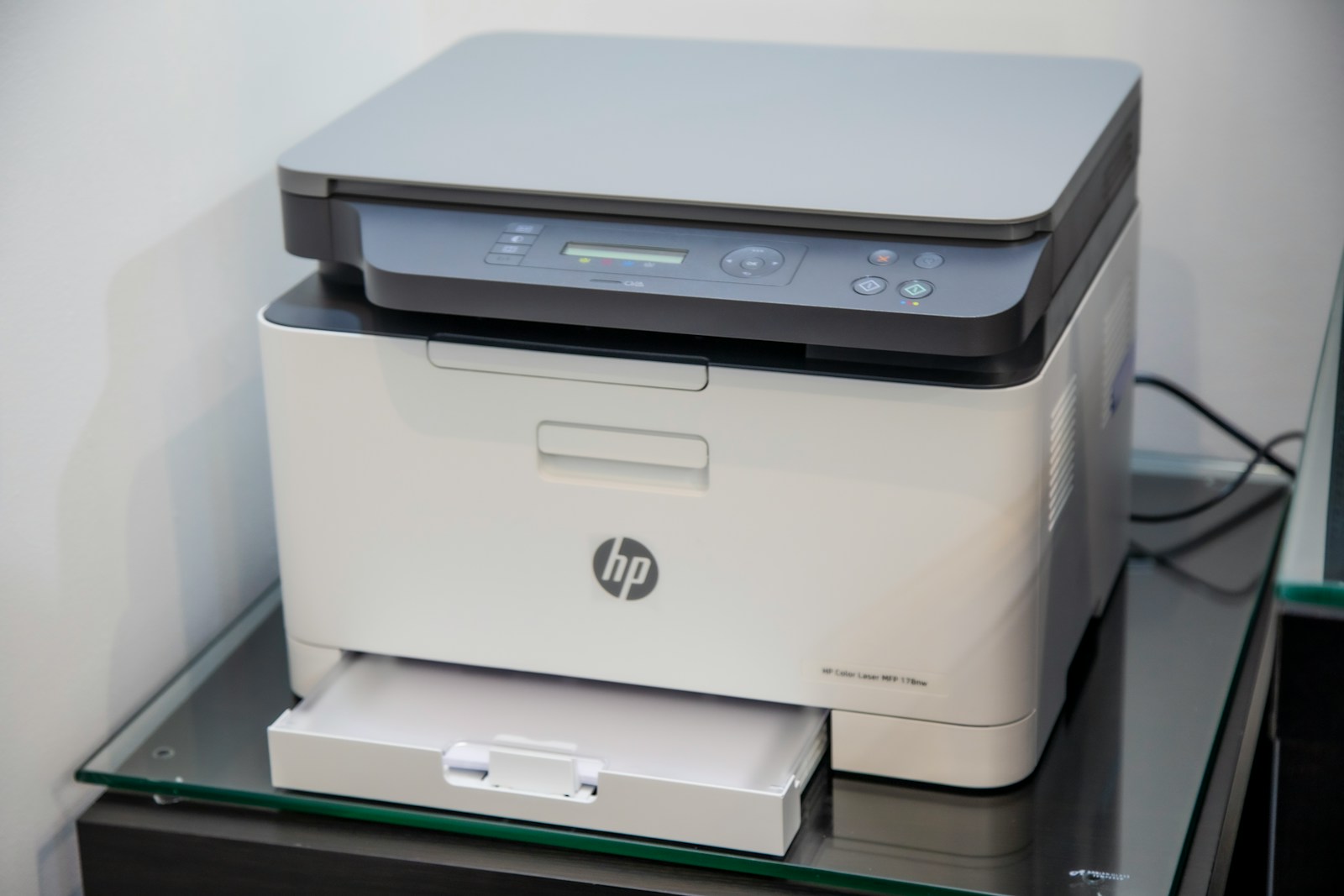
So back to that HP LaserJet printer I was setting up the other day. Wired, on the network, working. I sent a document to print.
The job appeared in the print queue. Then it disappeared. No page came out. No error, no warning, no red text anywhere. The printer sat there reporting itself perfectly healthy. The computer reported that the job had completed successfully. Both of them were lying, in the specific sense that neither of them knew they were wrong.
Try to Google that. What do you type? “Printer says it printed but didn’t”? You will get four thousand forum threads from 2011, none of which are your situation, and you will spend an evening working through them.
Try to ask a chatbot. It will ask you for the error message. You don’t have one… It will ask what the logs say. You don’t know where the logs are, and if you did, you wouldn’t know which of the nine hundred lines matters! The conversation stalls immediately, because the entire copy-paste workflow assumes you can hand over the symptom, and the symptom here was an absence.
This is a real category of failure, not an unlucky edge case. Things that break loudly are the easy ones. The hard ones are the things that fail while reporting success.
What an agent with terminal access does with one sentence
I opened Claude Code on the machine and typed this:
I just setup an HP LaserJet printer. I’m sending a job to print and it’s failing but I’m not getting output. It shows a job enter the queue then it’s gone. Diagnose
That’s the entire prompt. No role-play preamble, no “you are an expert Linux systems administrator,” no structured context block, no list of what I’d already tried. I described what I saw, in the order I saw it, and told it to diagnose.
It didn’t ask me anything. It went and looked.
It read the print system’s records and found two jobs both marked as having finished successfully. That ruled out the obvious explanation. If the software believed it had succeeded, the failure was happening somewhere past the software’s view. It checked the network path to the printer and confirmed it was reachable. Then it did the thing I want to draw attention to. It asked the printer directly what kinds of documents it was capable of accepting.
That’s a move a senior IT administrator might reach for. As a reasonably tech-savvy user, it could have taken me hours to work out that it was even a question I was allowed to ask.
The printer answered with a short list. The list did not include the format my computer was sending.
Here is the plain-English version of what it found:
The wrong driver was installed
When I set the printer up, my computer guessed at what printer model it was talking to and guessed wrong, picking software written for a different printer from around 2008. So my computer was preparing documents in a format this printer fundamentally cannot read.
Nothing reported the failure
My computer was sending documents down a connection with no return channel. Think of dropping a letter in a mailbox with no delivery confirmation. The computer sent the pages, the printer received a stream of gibberish it couldn’t parse, dropped it, and had no way to tell anyone. The computer had nothing to report a failure from, so it recorded success and moved on.
The setup guessed wrong because discovery was broken
The service responsible for letting devices announce themselves on the network wasn’t running. Without it, my computer couldn’t ask the printer what it was. So it guessed from the model number printed on the box, and guessed badly.
That third one is the part I find genuinely interesting. The root cause of the printing failure was also the root cause of the misdiagnosis. One broken thing produced a wrong guess, and the wrong guess produced a silent failure three layers away from it. I would not have connected those two facts in an evening of searching. I’m not sure I’d have connected them in a weekend.
The fix was to rebuild the print queue so it negotiated with the printer directly instead of assuming. Once the system diagnosed the problem, it even gave me follow-up options to run it and go ahead and fix the situation directly. About four minutes of the agent actually working, across two turns.
Verifying the fix: it checked the printer, not the computer
This is the part that should matter most to anyone nervous about letting AI touch their machine, and it’s the part no one writes about.
After making the change, it printed a test page. The computer reported success. But the computer had reported success the last two times too, so that report was worth nothing.
So it went and asked the printer for its own internal job log. The printer’s records showed two jobs from my account, each one marked as having actually rendered and marked a physical page. That’s the printer’s own accounting, not my computer’s opinion of what the printer did.
It also noticed that the earlier failed jobs appeared nowhere in the printer’s history at all. Not as errors, not as cancellations, not as anything. They had never been registered as jobs. That’s the confirmation that the earlier data really had been thrown away unread rather than printed badly or queued somewhere.
The distinction I want to make is between plausible and verified. A chatbot gives you a plausible explanation. It is often right and you have no way to tell. An agent on the machine can go find the evidence, and this one went to the printer rather than taking the computer’s word for it. That is the correct instinct, and I did not tell it to have it.
Letting an AI run commands, and the gate that stops it
During this whole process, the Claude agent hit a sudo gate, needing an administrative password. Gates like this are valuable and protect you from your AI going rogue. At some point I’ll build out a system that gates all dangerous commands while an agent is running on the host. For now, the built-in sudo requirement on escalated commands does the job.
It told me. Not buried, not glossed. It named the command that needed my password and told me what wouldn’t work until I ran it. I ran it, the printing started working, and honestly I stopped caring what was left.
That disclosure is the part worth paying attention to. An agent that reports a clean win and quietly drops what it couldn’t finish is worse than useless, because you find out three weeks later when something breaks. If you’re evaluating one of these tools, hand it something it can’t fully do and see whether it tells you.
Gating layers like this are the kind of thing I work through with teams as a fractional CTO. Not whether the AI is good at the task, but what it’s allowed to do when nobody is watching, and what it has to tell you afterward. Reach out if that’s useful.
Why I used a cloud model and not the local one in my basement
I run local agents. I have Pi pointed at a Qwen3.6 model on my own GPU, which is the entire subject of that earlier post. I did not use it here.
The reason is boring. That setup lives on my Proxmox server. This problem was on my desktop, and I have not wired up a path for the local agent to reach into that machine and work on it. So I reached for Claude Code running Opus 5, because it was already there and I wanted to print something.
There’s nothing about this job that required a frontier model. Reading logs, running diagnostic commands, and querying a device on the network is exactly the kind of work I argued last time that a local model handles well. I believe Pi and Qwen would have gotten there. I’m telling you that as an expectation, not a result, because I didn’t run it that way and I’m not going to pretend I did.
Wiring the local agent into the desktop is now on my list, and if it turns out I’m wrong about that, I’ll write it up.
What actually changed: fixing Linux without knowing Linux
I made the claim at the top. Here it is properly, and then I’ll scope it.
The barrier to running Linux was never really the interface. The interface has been fine for years. The barrier was that when something breaks, the information you need is real and available and completely illegible unless you already know which of forty subsystems to interrogate and what the answer means. That knowledge is the entry fee, and it’s why “just install Linux” has always been slightly dishonest advice to give a non-technical person.
That entry fee just dropped, because the illegibility is delegable now. The information was always there. What changed is that something can read it for you, on your machine, in context, without you knowing which question to ask.
Linux Journal predicted something like this at the end of 2025, forecasting that large language models would be woven into Linux debugging tools, package management and documentation navigation during 2026. The prediction was directionally right and wrong about the timing. It hasn’t arrived that way yet. It arrived as one general-purpose agent with a shell, which happens to cover all three at once.
But I think their shape is the right destination. Right now you have to reach for an external agent, and an external agent is exactly the thing that could go rogue without the gates I described earlier. Building this directly into the system is where it belongs. Local first, but capable. I’d expect a model trained specifically for this job could sit at 8B parameters or less and still be highly capable at it, which is small enough that most distros could ship one.
Now the scoping, because I don’t think this is unconditional.
It worked because the agent had real access to the machine. Not a screenshot, not a description, not a chat window on a different device. Access. If you’re not willing to grant that, none of this applies to you and you’re back to the forum threads.
Médéric Hurier made a version of this argument in March, from the builder’s side rather than the user’s: handing an agent a raw shell and a filesystem often beats wrapping it in a more elaborate protocol, because the models are already fluent in ordinary command-line tools. His framing of the irony is better than mine. We build the most advanced systems in history, and then “the best way to control them relies on paradigms from the 1970s.”
It worked because I could evaluate the answer. I’m not the target reader for my own argument here. I could tell that the printer’s own job log was better evidence than my computer’s report, and someone who couldn’t tell that would have had to take the whole thing on faith. Faith is doing more work in the non-technical version of this story than I’d like.
And it stopped at the password prompt, which is the system working as designed. There is a real limit on how far these things go without a human, and that limit is deliberate and good.
So: one printer, one machine, one afternoon. I said 2026 is the year of Linux for me personally, and I meant the personally part. I’m not announcing the year of the Linux desktop. I’m saying the specific thing that made Linux hard for ordinary people is now something you can hand to software, and I don’t think that’s a small change.
FAQ
Can AI fix computer problems that don’t show an error message? An AI agent with access to your machine can, because it goes and finds the symptom rather than waiting for you to describe it. A chatbot in a browser tab can’t, because the workflow depends on you handing over an error you may not have.
What’s the difference between ChatGPT and an AI agent? A chatbot gives advice. An agent runs commands on your actual computer, reads the results, and acts on them. Same underlying models in many cases. Completely different thing to use.
Is it safe to let an AI run commands on my computer? Not automatically. It can misdiagnose and act on the misdiagnosis. The rules that make it survivable are the same ones I wrote about last time: back things up before it touches anything, tell it explicitly to stop and ask when it’s unsure, and stay in the loop rather than granting full autonomy. Administrator passwords are still a real barrier it can’t cross on its own, which is a feature.
Do I need to know Linux to use Linux now? Less than you did. You still need enough judgement to evaluate what the agent tells you, and you need to be willing to give it access to your machine. Those are real conditions, not fine print.
Could a local AI model do this instead of a cloud one? I expect so. The work is reading logs and running diagnostic commands, which local models in the 30B-class handle well. I haven’t run this particular task that way, so I’m not claiming it as demonstrated.
How long did it take? About four minutes of the agent working across two exchanges. I’d budget an evening or two to reach the same answer by searching, and there’s a decent chance I’d have given up and bought a different printer.
This is the first of a series. The plan is to write up the ordinary uses as they happen rather than saving them for when they add up to something impressive, because the ordinary ones are what changed how I actually work. Printers, file permissions, the machine that won’t wake from sleep. The unglamorous ones.
I don’t have a proper subscribe setup yet, so for now the RSS feed is the way to catch the rest of them.
Next one is already sitting in my terminal history.